
Candyland Casino Mobile Experience
 Available in GB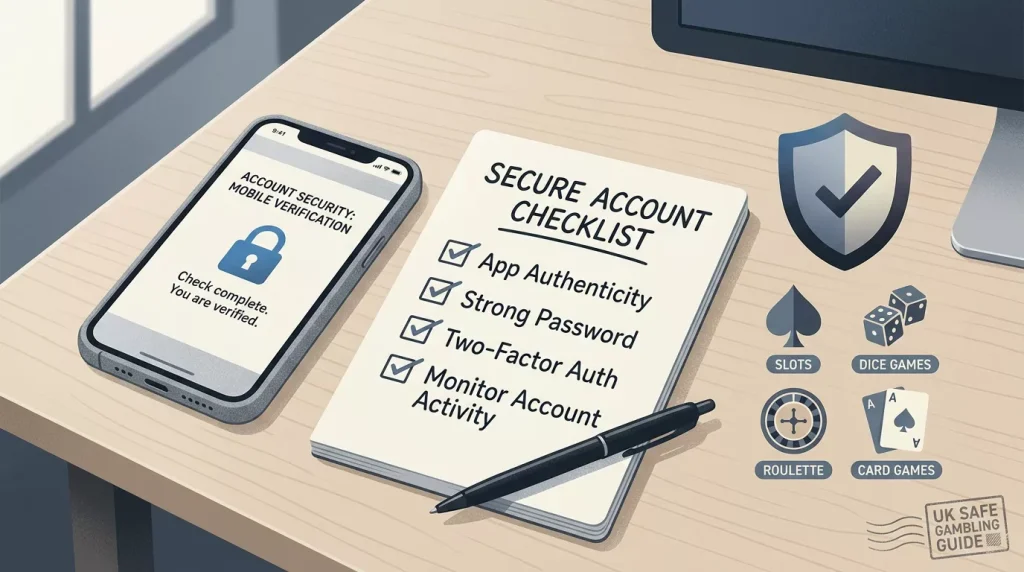
Candyland Casino mobile access should be verified directly on the current official site before a UK reader logs in, deposits, or downloads anything. This page does not claim that Candyland has a verified iOS app, Android app, or official APK. Treat mobile play as a browser-first check unless official brand pages or app-store listings prove otherwise, and remember that Candyland’s UKGC licensing position could not be substantiated for this mobile guide.
Browser first, app claims second
The safest starting point is the official Candyland site, candyland.casino, opened manually in a secure mobile browser. A third-party page that says there is an app is not enough. Casino app claims can be copied, outdated, region-specific or used by unauthorised sites, so a UK reader should not install an APK or trust an app-store result without checking that it is tied to the real operator and current official domain.
This guide therefore focuses on practical mobile checks rather than pretending to have a verified app download. If an official native app is later confirmed, the same checks still apply: country eligibility, licence status, terms, payment routes, KYC and safer-gambling controls.
Mobile app authenticity checklist
| Check | What a cautious UK reader should look for | Why it matters |
|---|---|---|
| Official source | The app or APK is linked from candyland.casino, not only from a review or mirror site. | Reduces the risk of spoofed downloads. |
| Store identity | The developer name, support link and privacy information match the official brand evidence. | Helps distinguish official apps from lookalikes. |
| Permissions | The app asks only for permissions that make sense for casino account use. | Unusual permissions are a security warning sign. |
| Country rules | Terms explain whether your location is accepted. | Mobile access does not prove UK eligibility. |
| Licence clarity | UKGC status is checked separately in the official register. | A functional app is not proof of GB regulatory protection. |
How to test the mobile browser experience
- Type the official domain into the browser rather than following an advert or copied download link.
- Check whether pages load cleanly on mobile data and Wi-Fi.
- Review the login, account and safer-gambling areas before depositing.
- Open the cashier and verify whether payment methods are visible for your account and location.
- Open several games and check whether rules, limits and paytables are readable on the screen.
- Test support access without sharing unnecessary personal information.
- Stop if the site redirects, hides terms, or asks you to install an unverified file.
iPhone and Android cautions
For iPhone users, the main question is whether there is an official App Store listing connected to the real brand. Do not assume that a similar app name belongs to Candyland. Check the developer, official website link, age rating, recent update history and reviews, then compare those details with the official site.
For Android users, APK files deserve extra caution. Installing from outside Google Play can expose a device to spoofed software if the source is not verified. A UK reader should not install an APK just because a third-party page provides instructions. Use browser access unless the current official Candyland site clearly identifies the download and you are comfortable with the security risk.
Mobile games and performance
Candyland states that its games are developed by Rival Gaming and RNG certified, but mobile performance and availability still need live testing. A game can be present on desktop and awkward on a small screen, or it can be unavailable because of device, browser, location or account status. The game library overview explains why provider and catalogue claims should be separated from what your own lobby actually shows.
Payments and KYC on mobile
Mobile cashier convenience can hide important details. Before depositing from a phone, check payment method availability, currency, fees, bonus exclusions and withdrawal routes. Do not assume that a deposit method visible on mobile will also be the best withdrawal method.
KYC is also harder to manage on a small screen if you are rushed. Candyland publishes AML information and may require compliance or verification checks, so keep account details accurate and use secure storage for documents. Read the account verification guide before uploading identity material, and use the deposit and payment checks page before entering payment details.
Safer mobile use for UK readers
Mobile gambling can feel frictionless, which is exactly why boundaries matter. Set a budget before logging in, avoid play during commuting or late-night tiredness, and do not save payment details unless you understand the risk. If you are self-excluded or trying to control gambling, do not use non-GamStop or offshore-style brands to bypass protections.
- App download: download an app only when it is verified from official brand or app-store evidence. This page does not confirm an official Candyland iOS or Android app.
- Mobile access: a site loading on a phone does not prove UK eligibility, UKGC licensing, payment availability or withdrawal protection.
Mobile-specific risks to check first
Mobile gambling can make registration and deposits feel faster than they are. A phone browser may store card details, autofill personal data, keep sessions open and make it easy to move from a review page to a cashier without reading the terms. For a cautious UK reader, the safer mobile process is slower: open the terms in a readable view, check the licence and country information, then review payment and KYC rules before any deposit step.
KYC can also be more awkward on mobile. Photo upload quality, document glare, address visibility and file-size limits can affect verification. If a casino asks for documents later, unclear mobile upload steps can delay a withdrawal. The best time to understand this is before account creation, not after a win.
Browser access versus app confidence
A responsive site is often enough for basic browsing, but it does not prove there is a safe or official app. Treat any APK, mirror download or unofficial app-store listing as high risk unless the current brand page clearly points to it. Even then, app availability does not answer the UK-specific questions around licence, bonus eligibility, payment methods or withdrawal protection.
Practical mobile testing sequence
A careful mobile check starts with readability. Make sure bonus terms, payment rules, privacy information and responsible-gambling pages are easy to open and read on your device. Then test navigation only, without entering payment details: menu clarity, cashier visibility, support links and document-upload instructions are more useful signals than homepage design alone.
Session and device hygiene
Use a private, secure connection, avoid public Wi-Fi for account actions, and log out after checking cashier or document pages. These simple steps do not solve licence or eligibility concerns, but they reduce avoidable mobile-account risk.
Bottom line
Treat Candyland Casino mobile access as a verification exercise, not as an app-download recommendation. Use the official domain, avoid unverified APKs, check any app-store identity carefully, test games and cashier functions from your own location, and do not deposit if licence, country, payment or KYC rules are unclear.